
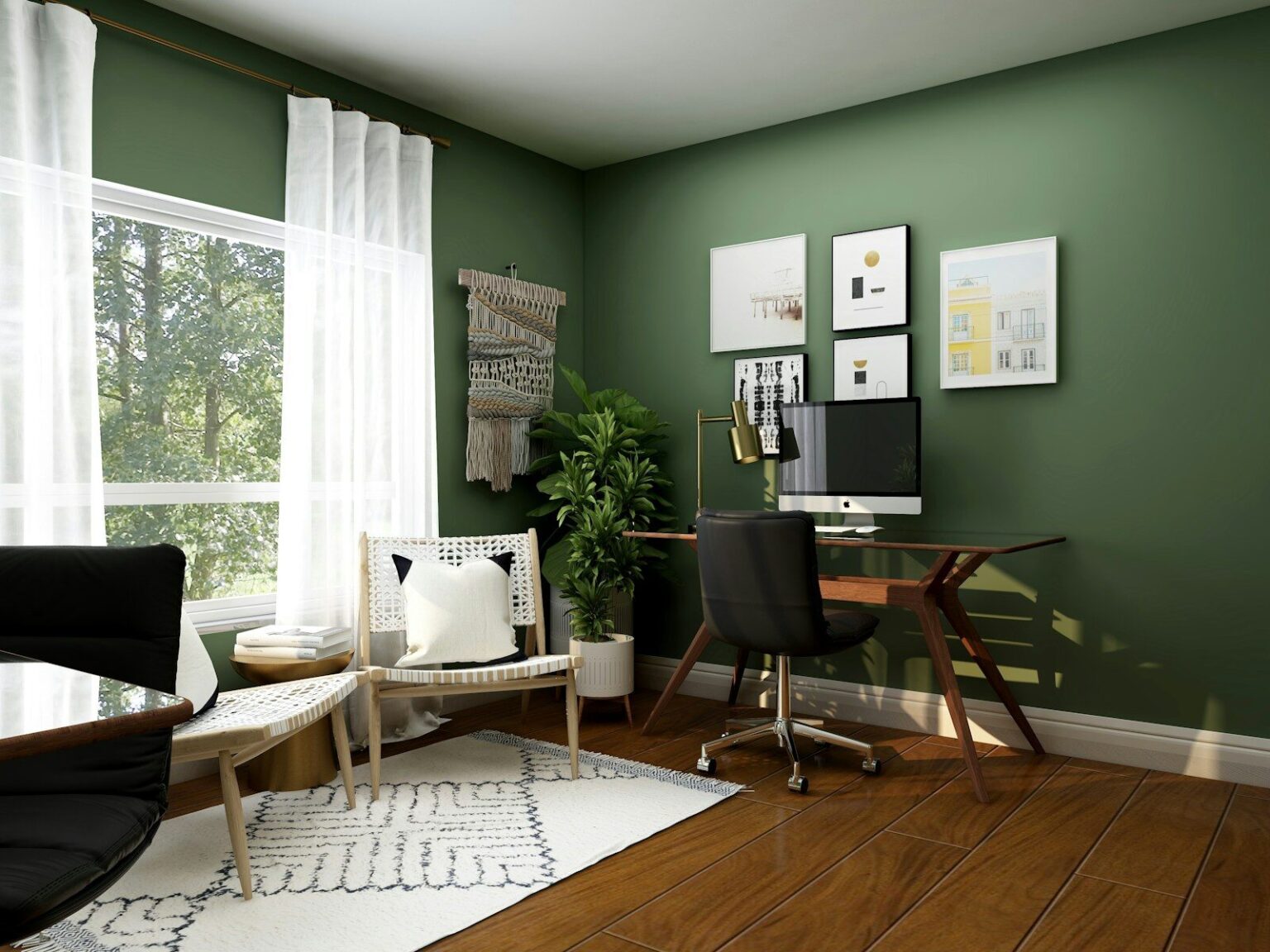

With more people working remotely or spending long hours at home on computers, home workspace setup has become an important factor in preventing pain and maintaining overall health. A poorly designed workstation can contribute to discomfort in the neck, shoulders, back, and wrists over time.
The good news is that you don’t need expensive equipment or a full office setup to improve your ergonomics. Small, simple adjustments can make a big difference in how your body feels throughout the day.
Why Ergonomics Matters
Ergonomics is about creating a workspace that supports your body’s natural posture and reduces unnecessary strain. When your setup is not optimized, you may unknowingly place stress on your muscles and joints for hours at a time.
Common issues caused by poor ergonomics include:
- Neck and shoulder pain
- Lower back discomfort
- Wrist and hand strain
- Headaches
- Fatigue and reduced focus
- Poor posture habits
Over time, these small stresses can build into more persistent pain or injury.
Key Elements of a Healthy Home Workspace
1. Chair Support
Your chair should support your lower back and allow you to sit with your feet flat on the floor. If needed, use a cushion or rolled towel to support the natural curve of your spine.
2. Screen Position
Your computer screen should be at eye level to avoid bending your neck forward or downward. This helps reduce strain on the cervical spine.
3. Keyboard and Mouse Placement
Keep your keyboard and mouse close enough so your elbows remain at roughly a 90-degree angle. This helps prevent shoulder and wrist strain.
4. Foot Position
Keep your feet flat on the floor or on a footrest. Avoid crossing your legs for long periods, as this can affect posture and circulation.
5. Lighting and Glare
Good lighting reduces eye strain and helps you maintain a more natural head position while working.
Simple Adjustments That Make a Big Difference
Even small changes can significantly improve comfort:
- Raise your laptop using a stand or books.
- Use an external keyboard and mouse when possible.
- Adjust chair height to support neutral posture.
- Take advantage of standing breaks or alternate between sitting and standing.
- Keep frequently used items within easy reach.
Don’t Forget Movement Breaks
Even the best ergonomic setup cannot replace the benefits of movement. Staying in one position for too long can still lead to stiffness and discomfort.
Try to:
- Stand up every 30–60 minutes
- Stretch your neck, shoulders, and back regularly
- Walk around briefly during breaks
- Change positions often throughout the day
Building a Pain-Free Work Routine
Ergonomics is not about perfection—it’s about reducing strain and supporting your body as you work. Small, consistent improvements to your workspace can help prevent discomfort and improve productivity over time.
By paying attention to posture, equipment setup, and movement habits, you can create a healthier and more comfortable work environment at home.
Important Disclaimer: Before performing any exercise, stretch, mobility activity, balance exercise, or physical activity described in this article, you should consult a qualified healthcare practitioner, physiotherapist, or physician to determine whether the activity is appropriate for your individual health status, fitness level, and medical history.
The information provided in this article is for educational and informational purposes only and is not intended to replace professional medical advice, diagnosis, or treatment. Participation in any exercise or physical activity is undertaken at your own risk.
By choosing to perform any exercises, stretches, or activities described herein without first consulting a qualified healthcare practitioner, you acknowledge and accept full responsibility for your participation. PhysioIT, its practitioners, employees, affiliates, and contributors assume no liability for any injury, loss, damage, or adverse outcome that may result from the use or misuse of the information provided in this article.